Import a Certificate into Kleopatra
- The first thing you’ll need to do to install a public key is to obtain one. You can download one of our public keys for test purposes by clicking here.
- Once it is downloaded, in Kleopatra click File > Import Certificate, and select the file you just downloaded.

- If there are no problems with the certificate, you will see a message like this indicating that the certificate was imported.

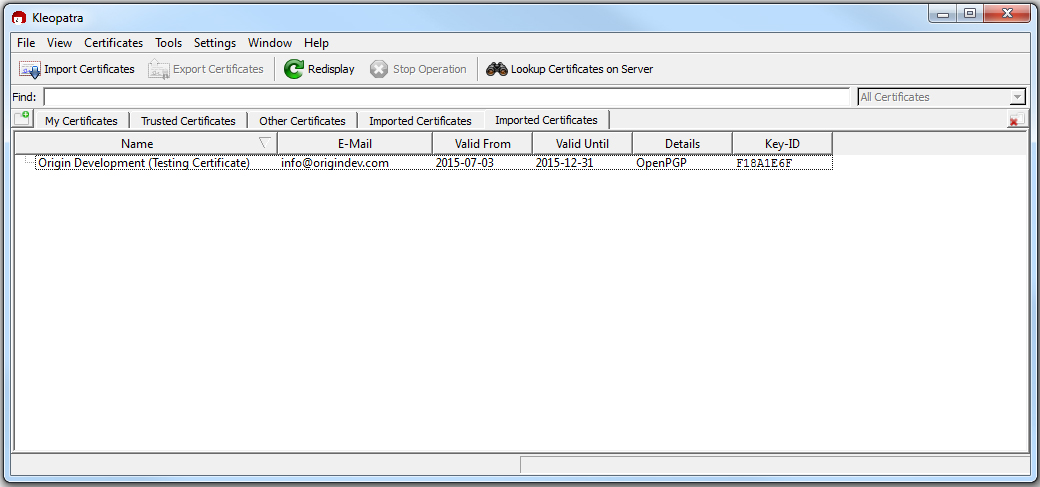
- In your “Imported Certificates” tab, you will also see the certificate now. Once it is imported, you can now use that certificate to encrypt messages.